Play Monster Maker Walkthrough
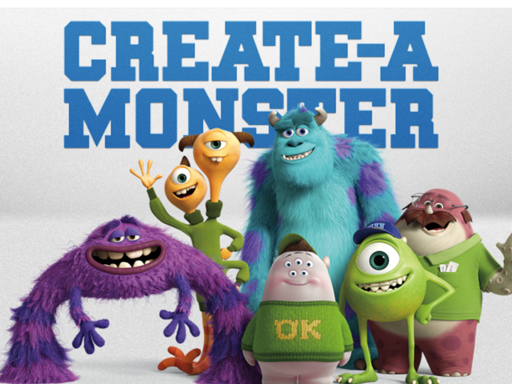
Monster Maker
-Click Generate to generate a random monster. - Enter a seed or leave it empty for a random result - Click Screenshot to take a picture of your Monster for a wallpaper (Add your name and share the screenshot!!) [Only in the Windows Build] - Click on the multi Color check if you want to randomize the color of your monster - Click on Background to choose another background
Emilys Hotel Solitaire
Rocky The Jetpack Boy
Police Auto Rickshaw Drive
Pou Jigsaw Puzzle Collection
Halloween Match Game
Fast Pixel Bullet 2022
Play Football
Senita
Speed Choose Color
Impostor Assassin
Drawing Christmas For Kids - Draw & Color
Pro Computer
Space Attack
Moto Quest: Bike racing
Dalgona Memory
Merge Animal 2 : Farmland
Tic Tac Toe 1-4 Player
My Cute Unicorn Fashion Dress Up
Tetriz Match 3
Martial Arts: Fighter Duel
Mini Golf Adventure
Skibidi Hero.IO
Mr Autogun
Exact Jump Game
Multi Brick Breake
Ball Run
Drop The Numbers
City Car Driving Free-RCC
Jive Jerry: Banana Bomblet
Undead Crate Boy